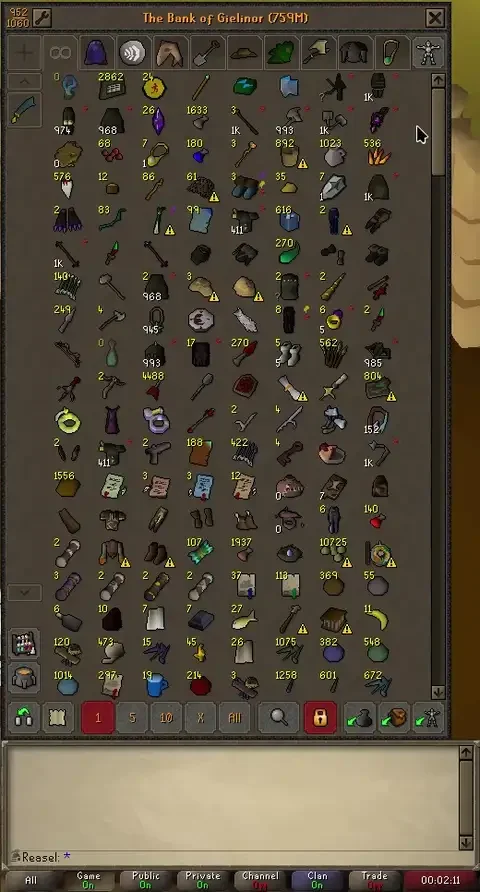
If you know where things sit in your bank, hiding the non-matching items can make a search harder to follow. Bank Highlight Search keeps that layout visible and marks the items you’re looking for in place.
With the bank open, press Ctrl+Shift+F or use the bank search button’s context menu, then type your query. Enter switches to the All tab and scrolls matches into view. You can change the hotkey and highlight style, including whether you want an outline, fill or pulse.
The plugin can match placeholders and item variations such as potion doses. Install Bank Highlight Search through RuneLite’s Plugin Hub, or use the source link to look through its implementation. The screenshot comes from the bank-search demonstration in that repository.
A closer look.
Real screens and project photography.